How Much Does It Cost to Build a Web App in 2026?
The cost of a custom web app depends on what it does: an internal dashboard and a SaaS platform are very different builds. Here's what drives the price of a web app in 2026, the running costs most quotes leave out, typical timelines, and how to get a fixed price before any code is written.
By Elizabeth Mathers, Content Writer at BuildHive, a custom software studio in Novi, Michigan, founded in 2012.
The honest answer to "how much does a web app cost?" is that it depends on what the app has to do. A simple internal dashboard for five staff and a SaaS product with thousands of paying customers are both "web apps", but they're very different projects with very different budgets.
This guide explains what actually drives the cost of a web app in 2026, the running costs people forget, how long each type takes to build, and how to get a reliable number for your own project.
Want a price for your own web app? Get a free web app estimate: a senior engineer will scope your app and give you a fixed price and timeline, yours to keep. Questions first? Talk to our team.
Key takeaways
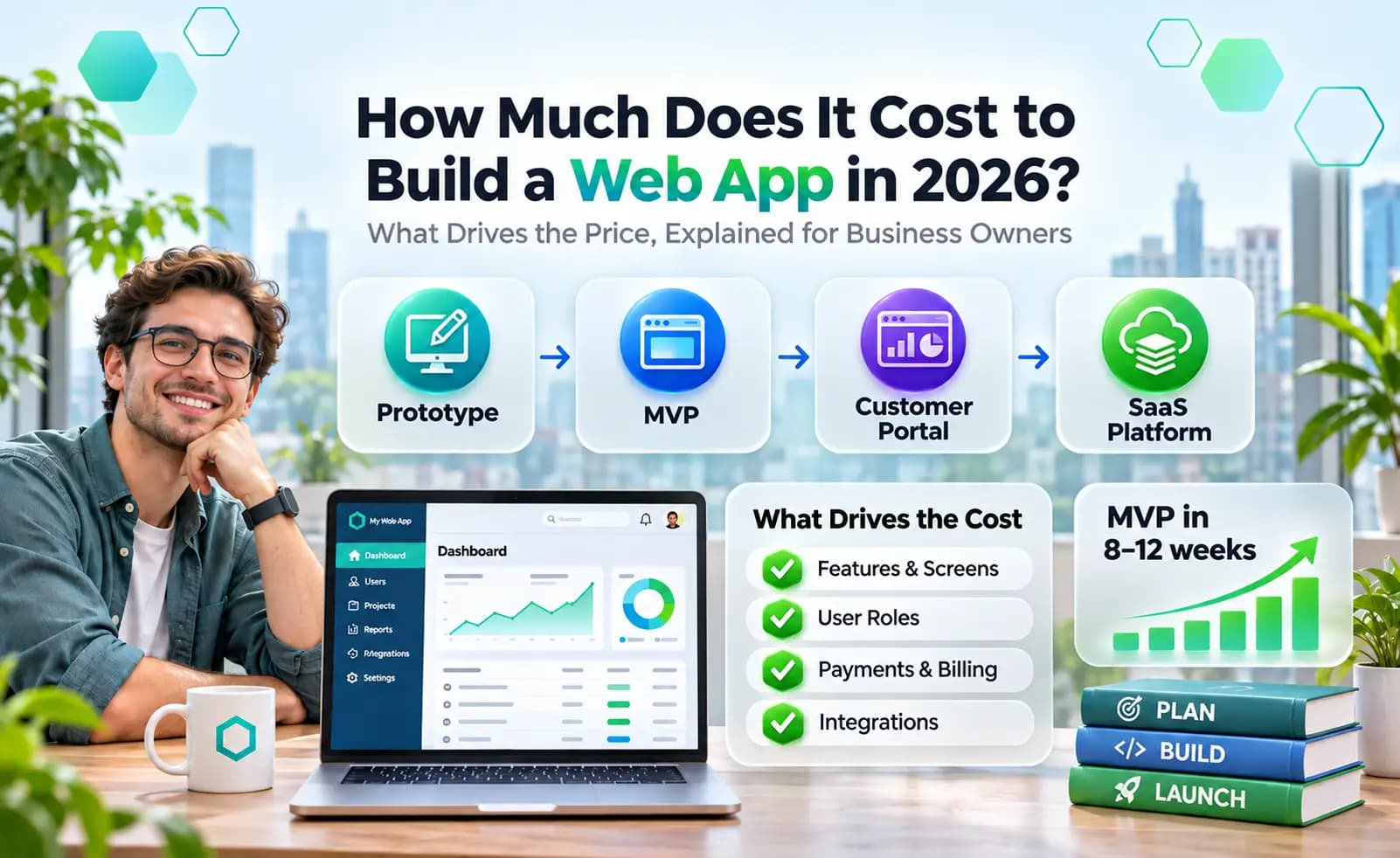
- The cost of a web app is driven by six things: features and screens, user accounts and roles, payments, integrations, design, and who builds it.
- Web apps usually cost less than mobile apps with the same features: one codebase runs in every browser, and there's no app store review.
- A focused first version (an MVP) typically takes 8 to 12 weeks; SaaS and larger platforms take 4 to 12 months.
- Budget 15–20% of the build cost every year for maintenance, plus hosting and third-party services.
- Start with an MVP and get a fixed price before any code is written.
Types of web app and how long they take
These are the most common kinds of web app we build, with typical 2026 timelines for a production-ready version that works on desktop and mobile browsers.
| Web app type | Typical timeline | Example |
|---|---|---|
| Clickable prototype | 2–4 weeks | Designed screens you can click through, to test the idea with users or pitch investors |
| MVP | 8–12 weeks | Core features only, live on your domain, with sign-in, a database and a simple admin panel |
| Internal tool or dashboard | 2–4 months | Replaces spreadsheets for scheduling, inventory, approvals or reporting, connected to the tools your team already uses |
| Customer portal | 3–5 months | Clients log in to see orders, invoices, documents or project status, and pay online |
| SaaS platform | 4–8 months | Subscriptions, team accounts, user roles, billing, onboarding and analytics |
| Complex or regulated platform | 6–12 months | Fintech, healthcare or marketplace platforms with security reviews, compliance and heavy integrations |
Cost generally follows the timeline: the longer the build, the bigger the budget. For a price on your type of app, request a free estimate and we'll scope it with you.
Web app or mobile app: which costs more?
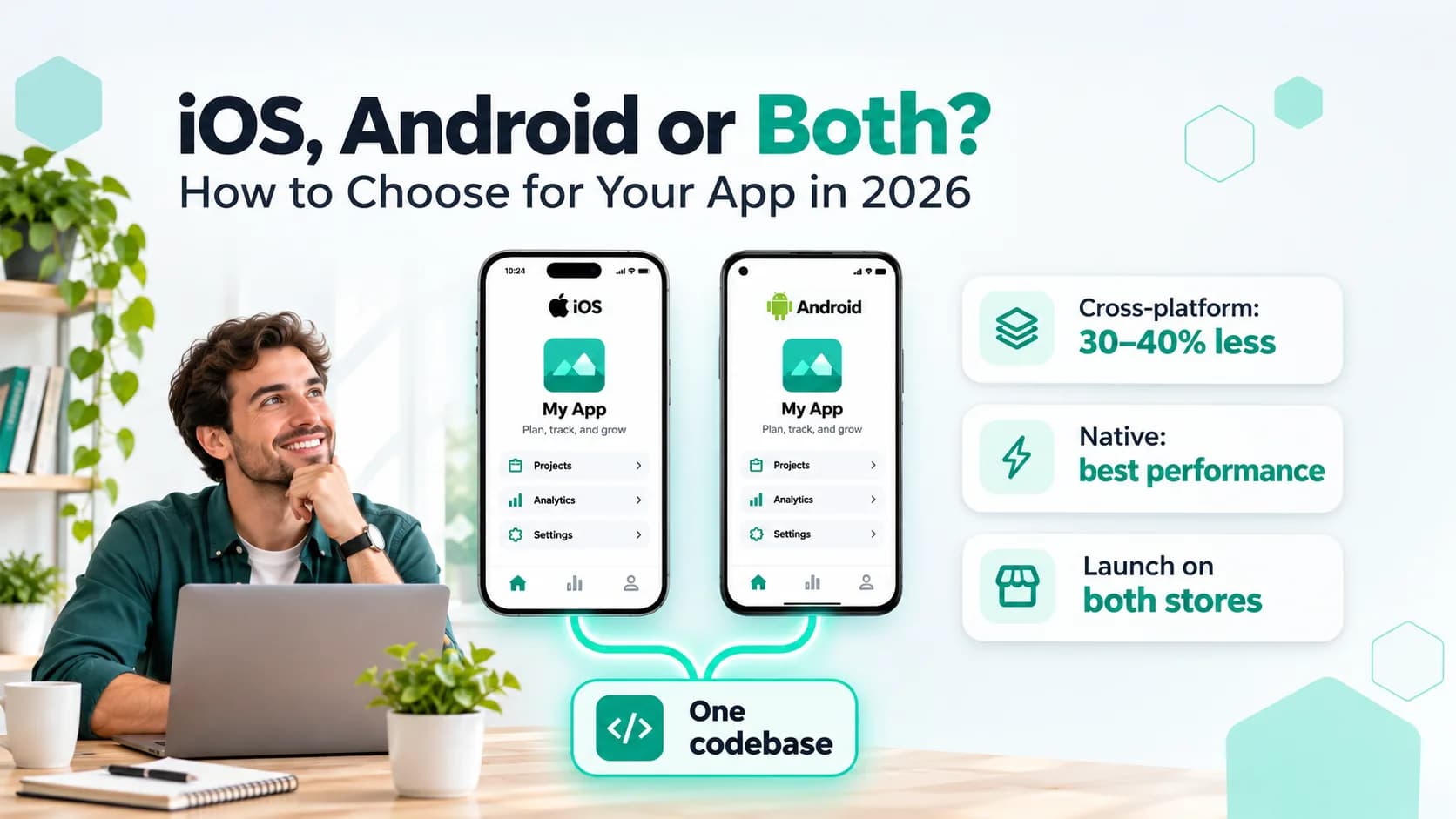
For the same set of features, a web app is usually 15–30% cheaper than a mobile app. There's one codebase for every device, no App Store or Google Play review, and updates go live the moment you publish them. Web apps also suit work done at a desk: dashboards, admin tools, reports and anything with big tables or forms.
A mobile app earns its extra cost when people use it on the go, need push notifications, the camera or offline mode, or expect to find you in the app stores. Many products start as a web app and add a mobile app once they know what customers use most. Our guide to how much a mobile app costs in 2026 covers the mobile side.
What moves the price of a web app up or down?
Two web apps that sound alike can differ in cost by 3× or more. These six factors make the biggest difference:
- Features and screens. Every page needs design, building and testing. A 10-page tool and a 50-page platform are different projects. Features like real-time updates, file uploads, search, chat and reporting each add weeks.
- User accounts and roles. A tool where everyone sees the same thing is simple. Teams, permissions ("managers can approve, staff can only view") and separate workspaces for each customer company (called multi-tenancy, the backbone of most SaaS) add a lot of work and testing.
- Payments and billing. One-off payments through Stripe are quick to add. Subscriptions with plans, trials, upgrades, invoices and tax rules are a project of their own.
- Integrations. Each outside system the app talks to (your CRM, accounting software, email, calendars, an ERP or an older in-house database) adds setup and testing. One integration is quick; six is a project. Old systems without a modern API take the most work.
- Design. A clean design built from proven components takes far less time than a custom, animated, brand-heavy one. Both can look great.
- Who builds it. A cheaper hourly rate doesn't always mean a cheaper project. Time zone gaps, unclear specs and rework add hours, and a stalled project often costs more to rescue than it did to start. A senior team bills more per hour and usually needs fewer of them.
Custom web app vs no-code tools
Tools like Bubble, Softr, Airtable or Retool can get a simple app running quickly, and they're a smart way to test an idea. They start to hurt when you need custom logic, better performance, more users or data you fully control. Monthly fees grow with every seat, and moving off a no-code tool later usually means rebuilding from scratch.
A good rule: use no-code to prove people want the idea, and build custom once the app runs part of your business or is the product you sell.
The ongoing costs nobody quotes
Launch day isn't the finish line. Plan for these ongoing costs on top of the build:
- Hosting and database: grows with your users and data. Most new web apps start small and scale up.
- Domain and SSL: a small yearly fee for the domain; SSL certificates are usually free today.
- Third-party services: email sending, file storage, search, maps, error tracking and analytics. Many have free tiers to start and grow with usage.
- Payment fees: card processors like Stripe take a small percentage of each payment.
- Maintenance: budget 15–20% of the build cost per year for security updates, bug fixes, browser changes and keeping the software it depends on up to date.
- New features: your first users will tell you what to build next. Keep a budget for version two.
A good quote should spell these out. If it doesn't, ask, or you'll find out about them later.
How long does it take to build a web app?
A rough guide for 2026:
- Prototype: 2–4 weeks
- MVP: 8–12 weeks
- Internal tool or customer portal: 2–5 months
- SaaS or large platform: 4–12 months
There's no app store review, so launch can happen the day the app is ready. Teams that work in two-week sprints give you a live staging link to click through early on, so you see progress long before launch.
5 ways to lower the cost without cutting corners
- Start with an MVP. Build the one or two features that prove people want the app, or that save your team the most time. Everything else can wait for version two, when you'll have real feedback.
- Replace one spreadsheet first. For internal tools, pick the single process that costs your team the most hours and automate that. It pays for itself fastest and shows what to build next.
- Use proven building blocks. Ready-made services for sign-in, payments (like Stripe), email and file storage are cheaper and safer than building your own.
- Get a fixed price, not an open hourly bill. A fixed scope and price stops the budget from creeping and makes the studio responsible for its estimate.
- Make sure you own the code. You should own the code, the designs, the data and the hosting accounts. If you ever change teams, you won't have to start over.
Adding AI to your web app
More web apps in 2026 come with AI built in: assistants that answer questions from your own documents, smart search, automatic summaries of tickets or calls, and data entry that fills itself in from emails and PDFs. A focused AI feature is often a smaller add-on than people expect. Read how much custom AI costs in 2026 and what AI automation is for real examples.
Frequently asked questions
How much does a web app MVP cost?
It depends on the features, user roles and integrations your first version needs. A web app MVP typically takes 8 to 12 weeks. Get a free estimate and a senior engineer will give you a fixed price for yours.
How much does it cost to build a SaaS platform?
SaaS platforms need subscriptions, team accounts, user roles and billing, so they're among the larger web builds, typically 4 to 8 months. Starting with a smaller MVP keeps the first version lean. Talk to us about your scope.
Is a web app cheaper than a mobile app?
Usually, yes. For the same features, a web app is often 15–30% cheaper, because one codebase runs in every browser and there's no app store review or separate iOS and Android work.
How much does it cost to maintain a web app each year?
Budget 15 to 20% of the build cost per year for maintenance, plus hosting and third-party services such as email, storage and analytics, which grow with your usage.
The short version
The cost of a web app comes down to its features, user roles, payments, integrations, design and the team that builds it. An MVP takes 8–12 weeks; portals and internal tools take a few months; SaaS and complex platforms take longer. Add 15–20% a year for maintenance, start with an MVP, and get a fixed price before any code is written.
Ready to put a real number on your web app? Get your free web app estimate. A senior BuildHive engineer will scope your app and give you a fixed price and timeline, yours to keep whether or not you build with us. Prefer to talk first? Contact our team. You can also browse our web app work and read how our web application development service works.
For weekly, plain-English takes on apps and AI for business, follow BuildHive on LinkedIn and Instagram.